TallyYour habits in your notes
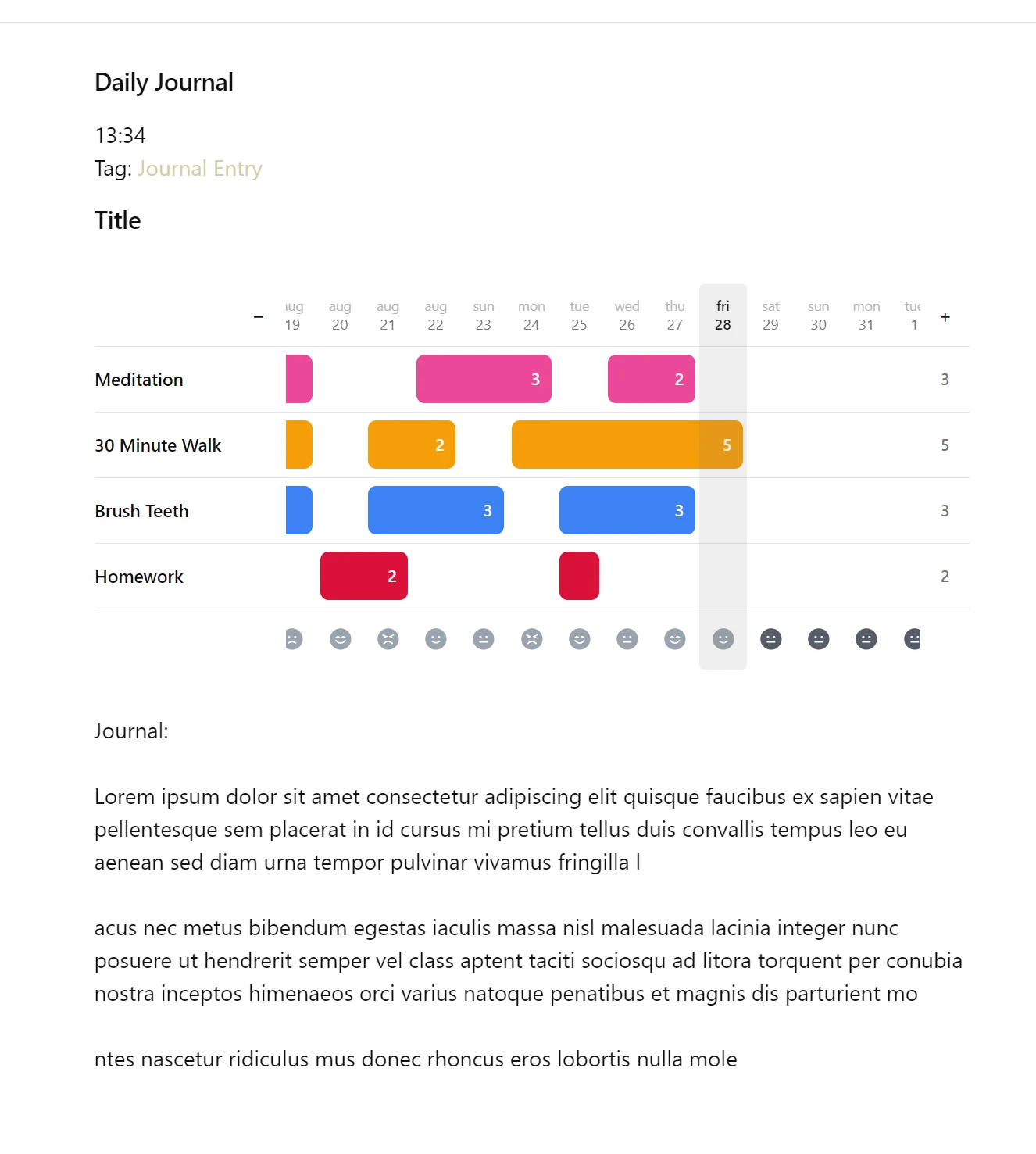
Tally logs your daily habits keeping you on track. It simplifies existing Obsidian plugin designs with an easy setup, fast logging, and mobile support. Tally can be placed anywhere in a note to immediately keep you on track for your habits.
Why I built it
There were a few major pain points in existing trackers, both dedicated softwares and Obsidian plugins, that led me to make my own.
The first was integration. Every existing Obsidian plugin requires the user to set it up manually with JavaScript. This is incredibly inconvenient. If the user needs to adjust a name, add a new habit, or change a graph’s parameters, they have to go back into the code they already had to write and rewrite it to make the change.
The second was the user experience. The existing plugins’ interfaces are gratuitous. Many trackers add settings that don’t matter or never get used, and they end up as visual clutter that’s exhausting to look at.
The software should be as intuitive as possible.
What already existed
Obsidian offers plenty of habit trackers, but the most popular options were either too tedious to set up or too frustrating to maintain.
Habit Tracker by Narsail
Setup requires writing code
It relies on Dataview, requiring you to hand write a custom JavaScript block listing every habit and date. You have to write thirty lines of code just to display two habits.
Zero interactive controls
Every entry must be typed out manually, and the interface caps your tracking at seven habits.
Habit Tracker 21 by zincplusplus
Customization means manual file edits
While easier to use, every single habit requires creating an individual file by hand, and changing a color means manually editing text inside that file.
Binary tracking hides your actual progress
It only records whether a date contains an entry, making one session and three sessions look completely identical.
Both tools require high maintenance for long term use
Either from the interfaces, the way data gets tracked, or the code a user has to write to make them work, something will always demand consistent upkeep to sustainably use them.
Design features
Daily habits
- Add new habits in a single click
- Track multi session habits seamlessly
- Keep streaks alive with daily counts
Holistic metrics
- Log daily mood, stress, and focus
- Chart by week, month, or year
- Identify overall productivity trends
Custom controls
- Color code every habit row
- Reorder habits, resize columns
- Rename habits without losing history
Instant embedding
Type one simple command into any note and the tracker appears instantly. All logged data lives in a plain text file inside your vault, allowing for easy access and transport.
No accidental deletions
Without confirmation, habits containing logged entries cannot be deleted.
No silent overwrites
Tally protects unreadable files from being overwritten on save. Corrupt entries do not compromise an entire record.
Data visualization
Tally turns your tracked mood and habits into graphs you can view by week, month, or year. This visualization helps analyze trends in mood and performance, and find relationships between your habits and your happiness.
Native theme support
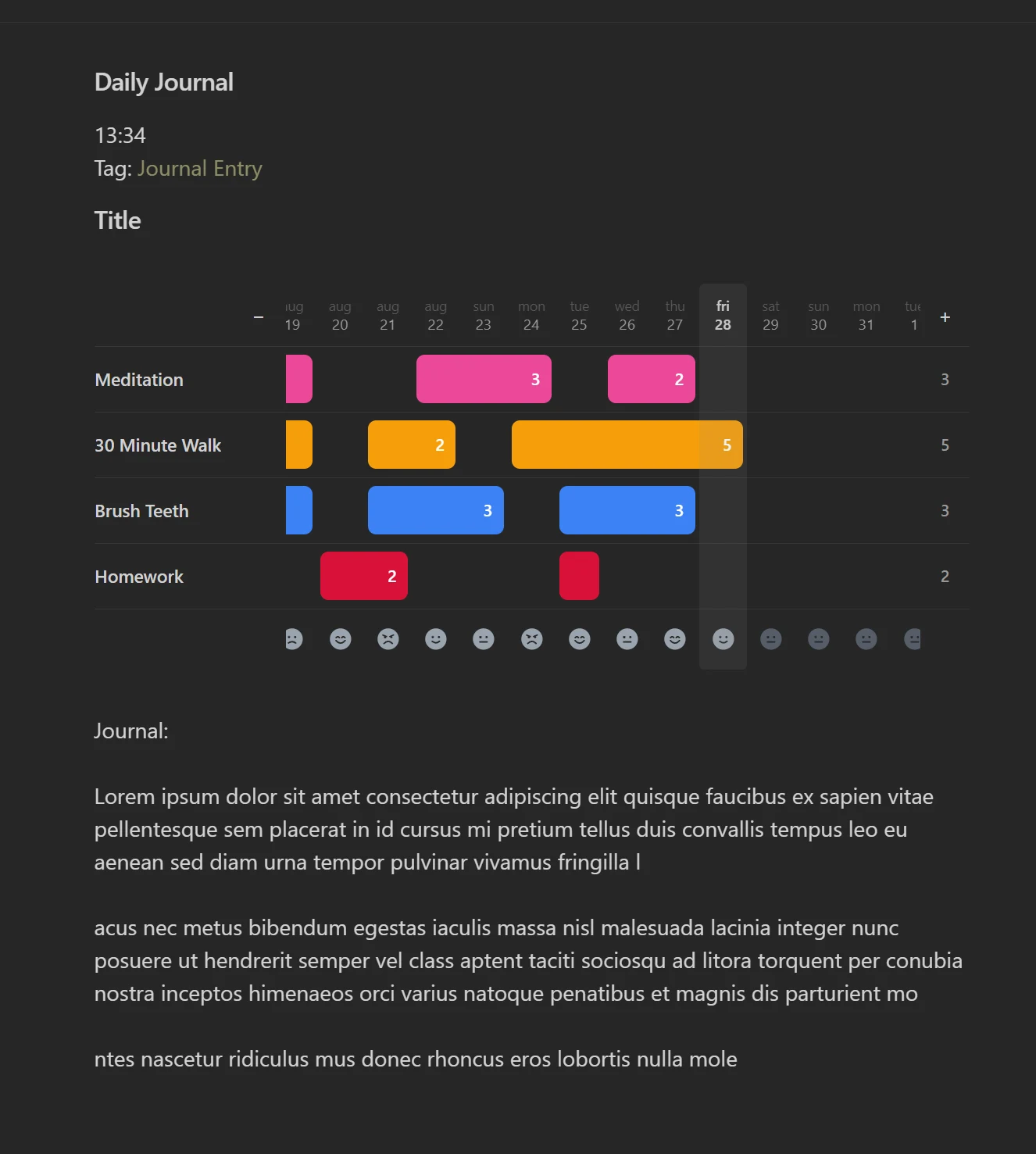
Tally seamlessly adapts to your Obsidian setup with full light and dark mode support. Drag the slider to compare both themes.